Works with Slack
Mark a Slack message, find it in your plan.
React to a message in a client’s Slack with an emoji (:inbox_tray: unless you pick another) and opah puts it in your Inbox as an issue: the message quoted, who wrote it, where, and a link back.
The demo runs on sample data in your browser. Nothing is saved: reload it to start over.
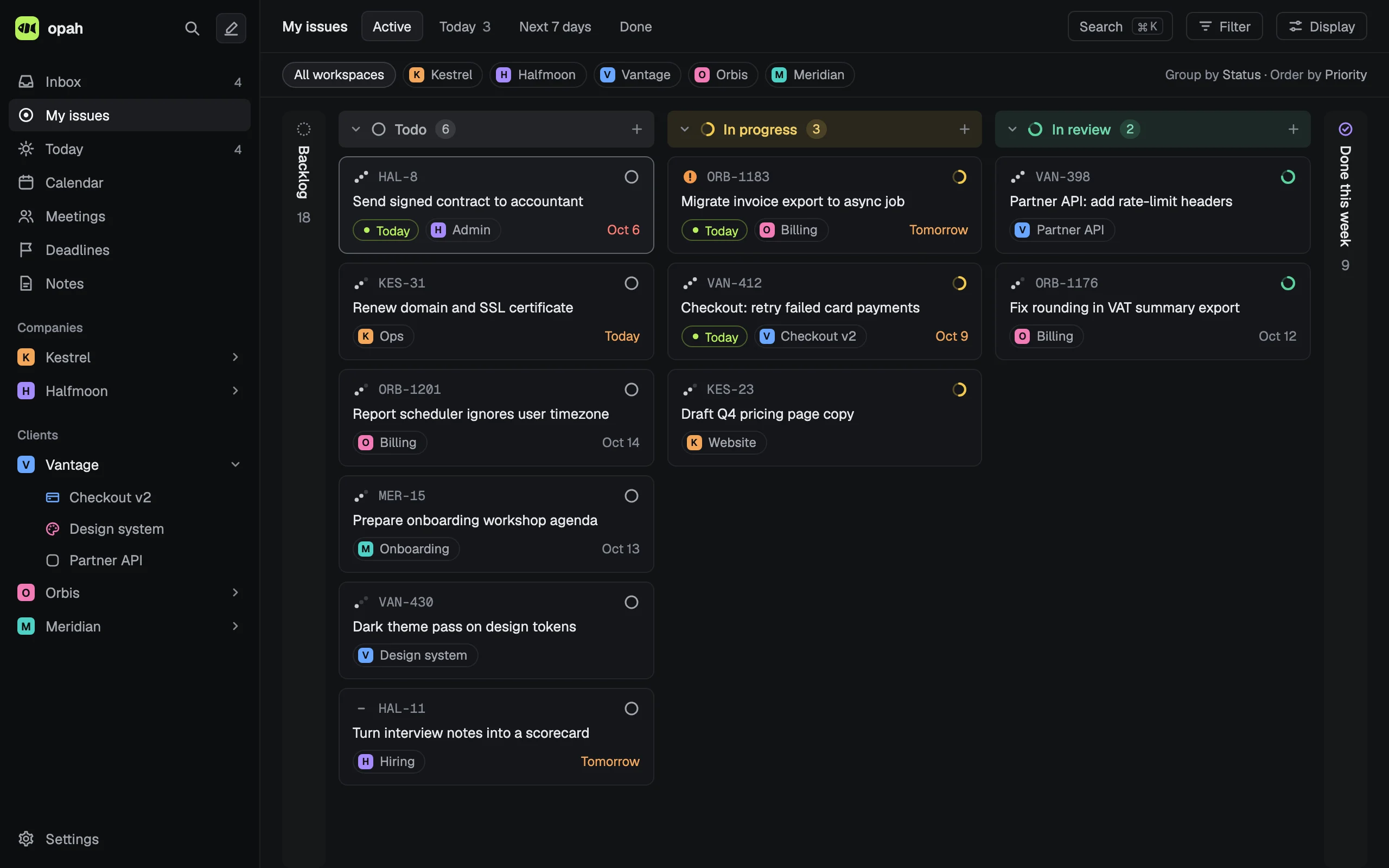
What it does with Slack
- Reads your own reactions and keeps the messages you marked with the connection’s emoji, in any skin tone.
- Each becomes an issue in that client’s workspace, waiting in your Inbox, with the message as its description and Open in Slack.
- Takes the marks of the last 14 days the first time, then new ones while opah is open.
- A message is captured once: deleting its issue doesn’t bring it back. Taking your reaction away while it’s still in the Inbox archives it.
- From then on it’s an ordinary issue: plan it, give it a project, track time on it.
What it writes to Slack
Nothing, unless you turn on taking your reaction away when the issue is done or canceled. Then it removes that one reaction, and that’s all: it never posts or reads a channel, and of the messages you react to, only those with the emoji reach opah.
Every client, one Inbox
Each company you work for is a workspace in opah. Connect each client’s Slack to its workspace, each with its own emoji and project if you like, and every message you mark waits in one Inbox.
How you connect
Create a Slack app from the manifest opah gives you (user scopes only, no bot), install it and paste its user token (xoxp-…). Many companies let only admins approve apps, so yours may need one to. The token is kept encrypted on opah’s server.
Who it’s for
Freelancers, contractors, consultants and fractional leads who work for several companies at once and sit in each one’s tools. It’s a personal planner, not a team tool: nothing to roll out to your clients, nobody to invite.
The rest of the planner
- Today, an Inbox, deadlines and time tracking, as a list or a board
- A calendar with your Google calendars, where every meeting gets its agenda and notes
- Markdown notes for each company and project, linked with @ to issues and meetings
- A command palette and a keyboard shortcut for every action
- Runs in your browser and installs as an app; export everything as JSON or Markdown any time
See it with sample data
The demo opens in your browser with five made-up companies’ issues, calendar, meetings and notes. Nothing to sign up for.
Try the demo, no account